Restoring a bak file from S3 to SQL Server in RDS
Implementing Automated .BAK File Restoration from Amazon S3 to SQL Server on AWS RDS
PROBLEM
STATEMENT
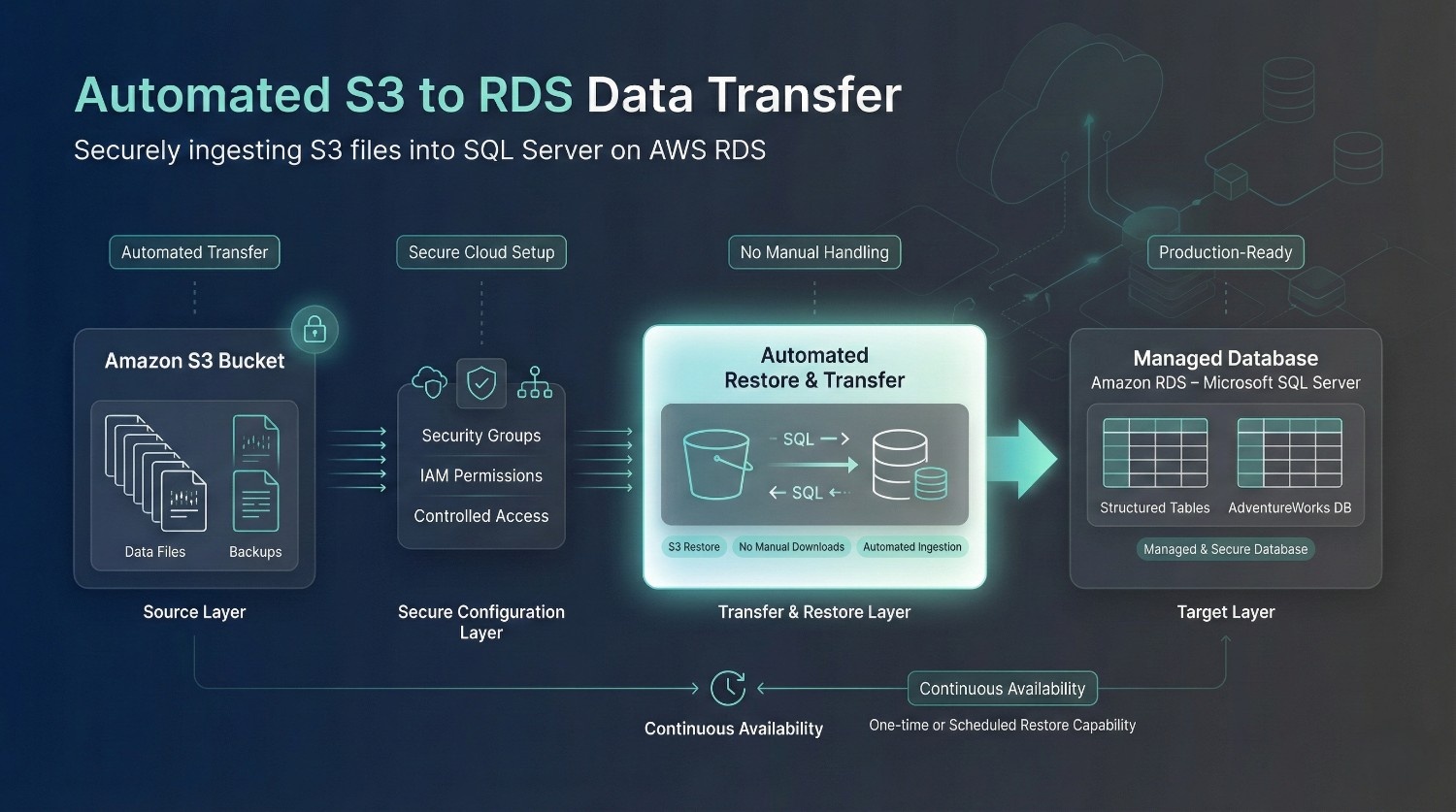
The client had some files in an S3 bucket and needed to move them to an RDS database (Microsoft SQL Server). They were looking for an expert to create the RDS database and then establish an automated connection where they won’t have to retrieve each file manually from the bucket before transferring it to the database.
SOLUTION
I started by creating a new Microsoft SQL Server database (through AWS RDS) and configuring the security groups and other settings to allow access from the bucket. Once the configurations were in place, I connected the S3 bucket with the database (including the S3 restore option). Then, I used the restore commands to retrieve the required files from the S3 bucket and stored them into the RDS database.
Input
Limited access to the AWS account (including the S3 Bucket)
Output
A connection was established between the S3 bucket and the RDS database (and the files were transferred).
Tools &
Technologies

Microsoft SQL Server

Amazon RDS

AWS S3